
The five second test: what the brain checks before it hears a word
Face recognition is the oldest software running in your head, and it is unfairly good. Before the viewer processes your first sentence, they have already measured whether the eyes move in small jumps, whether the head drifts slightly, whether the blinks come at a human rhythm and whether the mouth closes on the right consonants. None of that is conscious, which is exactly why it is impossible to argue with.
This is also why higher resolution does not fix a fake looking presenter. A sharper image with a frozen neck reads as more artificial, not less, because you are giving the brain more evidence for a judgement it already made. The uncanny valley is not about detail, it is about the mismatch between how real something looks and how real it behaves.
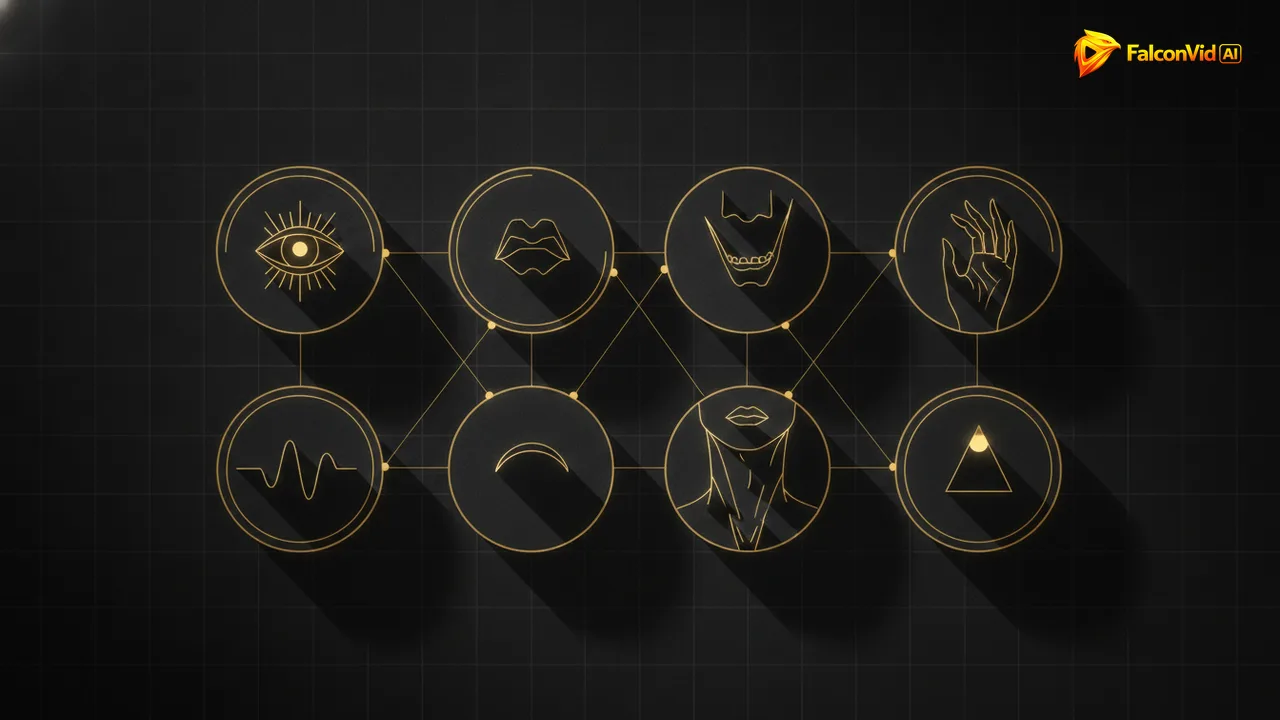
So the work is behavioural. Eight specific tells account for almost every case of a presenter that people describe as creepy or robotic, and seven of them are fixable with settings and editing rather than with a bigger model. The eighth is audio, and it is the one nobody expects.
- The judgement happens in under five seconds, before any content lands.
- Higher resolution amplifies behavioural errors instead of hiding them.
- Humans blink roughly 15 to 20 times a minute, and more while speaking.
- Eyes never sit perfectly still: they move in small rapid jumps.
- Almost every complaint about a fake presenter maps to one of eight tells.
Tells 1 to 3: the mouth, where the illusion dies first
The first tell is phase. Broadcast engineering has known the tolerance for decades: viewers start noticing a mismatch when audio runs roughly 45 milliseconds ahead of the picture or about 125 milliseconds behind it. That is between one and three frames. A lip sync engine that drifts a little on every clip will cross that line by the middle of a long video, and the audience feels it long before they can name it.
The second is bilabials. The consonants p, b and m physically require the lips to close completely. Weak engines approximate them with a narrow mouth instead, and the result is a presenter who appears to speak through their teeth. Read your first paragraph and count those letters: if the hook is full of them, that is exactly where a stronger engine earns its price.
The third is over articulation. Real people barely open their mouths in casual speech, while synthetic faces often perform every vowel like a stage actor. Slightly calmer delivery in the voice track produces a calmer mouth in the render, which is why fixing the narration frequently fixes the face. In FalconVid the narration and the lip sync come out of the same run, so a calmer voice track and a stronger engine on the hook are two settings in the same place instead of two separate tools.
- Audio ahead by more than about 45ms is detectable, behind by about 125ms.
- Drift accumulates across a long video, so alignment must be checked per clip.
- The letters p, b and m demand a full lip closure and expose weak engines.
- Over articulated vowels read as a performance, not a conversation.
- A calmer voice track produces a calmer, more believable mouth.
- Put your best lip sync engine on the hook, where the viewer is still deciding.
Tells 4 and 5: the dead stare and the frozen head
A human gaze is never still. Eyes make constant small jumps, they drift toward what the speaker is thinking about, they narrow slightly when a sentence gets serious. A synthetic presenter locked onto the lens with a perfectly steady stare produces the specific discomfort people call soulless, and it survives any resolution upgrade.
The head is the same story. Real people tilt a few degrees on emphasis, pull back slightly on a question and settle forward when they arrive at a point. A head that stays exactly centred for ninety seconds looks like a photograph that learned to talk. Both of these are handled by the presenter engine, which is why quality tier matters more on close shots than on wide ones.
The practical fix is to stop giving the viewer time to study the face. A cut every six to ten seconds, a change of angle, a piece of b roll, and the brain never gets a long enough sample to complete the analysis. Long unbroken face time is the most expensive way to look artificial.
- A perfectly steady gaze is read as absence, not as focus.
- Small head tilts and settles are what mark emphasis in real speech.
- Close crops multiply both problems, medium shots hide them.
- Cut or change angle every 6 to 10 seconds so no sample is long enough.
- Blink rhythm matters more than blink quality: too few reads as a mask.
Tells 6 and 7: the hands and the gesture loop
Hands remain the weakest part of generated video in 2026. Fingers merge, a thumb appears where it should not be, a hand crosses in front of a shirt and comes back with a different shape. Nothing damages credibility faster, and there is a free solution: frame from the chest up so the hands are simply not in the shot.
The seventh tell is repetition. Some engines loop a small set of gestures every few seconds, and the audience notices the pattern even when they cannot say what they noticed. If the presenter nods identically at the end of each sentence, you have built a metronome with a face.
The counterintuitive fix is less movement, not more. A presenter who is mostly still, with one deliberate gesture per idea, reads as calm and professional. A presenter who moves constantly reads as a puppet, because the movement is not connected to the meaning of the words.
- Frame from the chest up and the hardest problem disappears for free.
- Repeated identical gestures are noticed even when nobody names them.
- One deliberate gesture per idea beats constant motion.
- Avoid hands crossing in front of the body, where shapes break most.
- If the format requires hands, use short shots and cut before the glitch.
Tell 8: the audio gives it away before the image does
Run this test on any video you think looks fake: close your eyes. Very often the artificiality is entirely in the sound, and the face was taking the blame. Synthetic narration that never breathes, never hesitates and lands every sentence with identical energy tells the viewer that nobody is home, and then the eyes go looking for evidence in the picture.
Three details fix most of it. Breathing between sentences, because real speech has intake. Variation in pace, because a human slows down on the important line and speeds up on the aside. And room tone under the voice, because absolute digital silence between words does not exist anywhere in nature and the ear knows it.
This is also the cheapest tell to fix. A premium voice with natural prosody costs a fraction of upgrading the lip sync engine, and it improves every second of the video rather than only the seconds where the face is on screen. FalconVid narrates with ultra realistic premium voices, or with your own cloned voice, and ducks the music under the speech in the same pass, which removes this tell with no extra work from you.
- Close your eyes: if it still sounds fake, the face was not the problem.
- Breathing between sentences is the single strongest realism cue.
- Pace variation carries meaning, flat pace reads as a machine reading.
- Room tone under the voice removes the vacuum of digital silence.
- Voice quality improves the whole video, not just the face shots.
How FalconVid handles each of these in the pipeline
Phase first. Audio and video are aligned frame by frame, which is what stops the small offsets from accumulating into visible drift across a twelve minute episode. That single behaviour is why a long video does not start acceptable and end embarrassing, and it is handled in the render rather than left for you to notice.
Then the engine choice is yours instead of a fixed default. Kling Avatar Std at 32 credits per second is the volume option, Kling Avatar Pro at 64 sharpens the mouth shapes that expose bilabials, HeyGen Avatar at 80 is top tier in batch and OmniHuman 1.5 at 112 is the highest quality and runs serially. The standard professional split is a premium engine on the hook and a cheaper one on the body, and no engine is locked behind a plan because every creation feature ships on every tier. What changes by plan is volume, how many channels you run, how many generations go at the same time, the AI senior analyst, which is on from Pro up and runs 7 days as a trial on Starter, and support.
On the audio side the narration uses ultra realistic premium voices, or your own cloned voice, with music ducking under speech so the track never fights the words. And you decide whether the avatar appears in every scene or only at the hook, the transitions and the close, which is simultaneously the realism fix and the budget fix. If a specific moment still bothers you, the Studio lets you watch the first version and shorten, replace or re cut just that piece without rebuilding the whole video.
- Frame level audio and video alignment, so drift does not accumulate.
- Four lip sync engines, chosen per video instead of a fixed default.
- Ultra realistic premium voices or your cloned voice, with ducking under speech.
- Presenter in every scene or only at the anchor moments, your call.
- Channel DNA keeps the same face, voice and framing across the whole series.
- Studio with a full timeline for the one shot you want to fix by hand.
- Every creation feature on every plan: quality is a setting, not an upsell. What moves with the plan is volume, channels, simultaneous generations, the AI senior analyst (from Pro, with a 7 day trial on Starter) and support.
Framing and editing hide what you cannot fix, and when it stops mattering
Everything above collapses into one rule: give the brain less to examine. Medium shot from the chest up, eyes on the upper third, camera at eye level, cut every six to ten seconds, b roll on the explanation, face on the claim. That is not a workaround, it is how television has framed presenters for fifty years, and it works on synthetic faces for the same reason it works on human ones.
It also matters where you spend. Ninety seconds of face inside a twelve minute video, with the premium engine reserved for the hook, buys more perceived realism than doubling the budget on a full talking head. Attention is highest in the first thirty seconds, so quality spent there is worth several times the same quality spent at minute nine.
And there is a point where the question dissolves. Audiences in 2026 already know a channel can be produced by a machine, and they keep watching when the information is good, the pacing is right and the format is consistent. What loses them is not a synthetic presenter, it is a boring one. Fix the eight tells so the face stops being a distraction, then go back to worrying about the only thing that actually retains people, which is the script. Saying openly that the presenter is synthetic is also what the platforms ask for, and the guide on labeling an AI avatar on each network shows how.
- Medium shot, eye level, eyes on the upper third: the boring setup that works.
- Cut every 6 to 10 seconds so no single sample is long enough to analyse.
- Face on the claim, b roll on the explanation.
- Spend premium seconds in the first thirty, where attention is highest.
- Consistency across episodes beats perfection in any single one.
- The script decides retention, the face only decides whether they stay to hear it.