
What the label actually is, and who ever sees it
YouTube does not have a made with AI label, and most of the confusion starts right there. What exists is a disclosure for altered or synthetic content, one checkbox in the upload flow, and it covers a single situation: the video shows something that looks real and is not. The form is not asking whether you used AI. It is asking whether an ordinary viewer could mistake what they are watching for something that actually happened. Read it that way and the checkbox takes five seconds.
The common label does not appear on your thumbnail and it does not appear over the player. It lives in the expanded description, behind a click most viewers never make, one line of text sitting next to the publish date. Sensitive topics are the exception worth knowing: for health, elections, news and finance the notice moves up onto the player itself, in front of the viewer while the video runs.
So for a channel about curiosities, history, top 10 lists or nature, the worst case of ticking the box is a sentence nobody scrolls to. Which makes the panic the expensive part: creators delay uploads and abandon ideas over one collapsed line, while retention and original value, the things that decide whether a channel survives, get no attention. The other half of the same worry is whether anyone can even tell, and that one has a technical answer: what YouTube can actually detect in a generated video.
- It is a disclosure for altered or synthetic content, not a made with AI stamp.
- The trigger is realism, never the tool you used to build the frame.
- Normal videos: one line inside the expanded description, behind a click.
- Health, elections, news and finance: the notice appears on the player itself.
- Deciding the checkbox takes seconds once you know which list your video is on.
The closed list: the 5 cases that force you to disclose
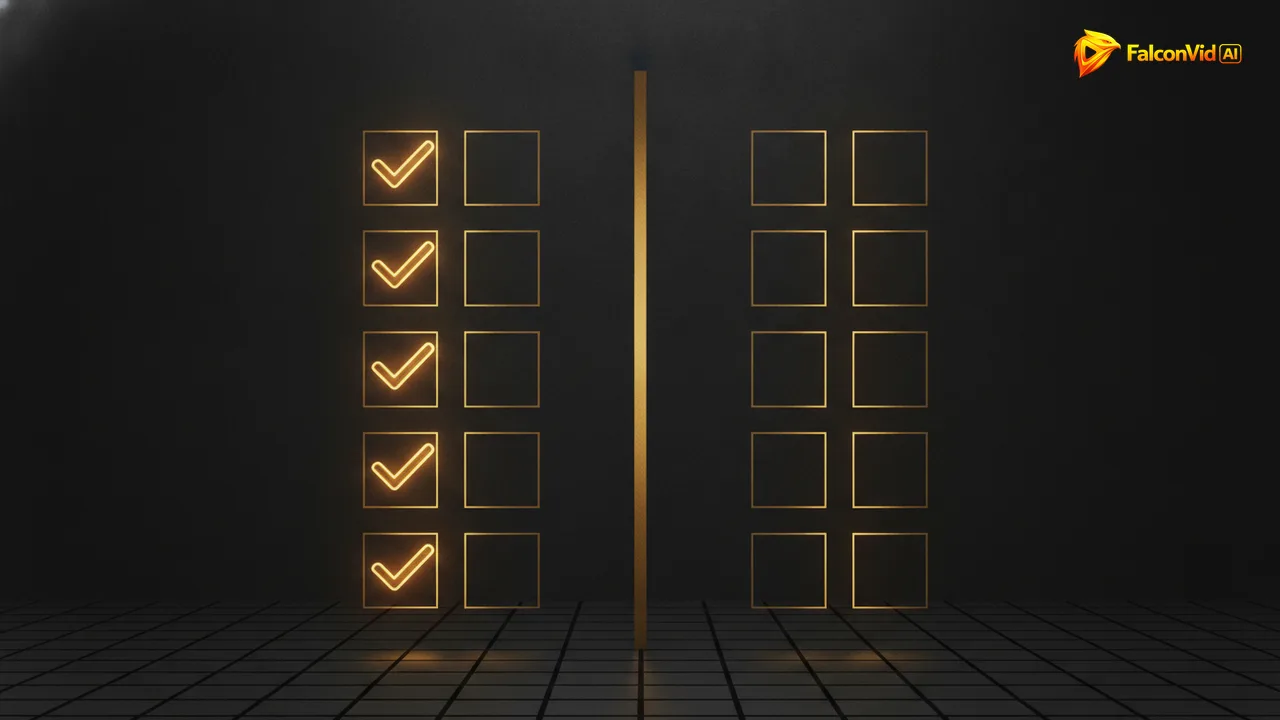
One rule, five doors, and every door has the same key: realism. Disclosure is required when your video makes a synthetic thing look like a genuine recording of the real world. Case one is a realistic scene of something that never happened, a fire in a real neighbourhood. Case two is a real person saying or doing something they never said or did, the case the whole policy was built around.
Case three is a realistic synthetic face presenting as if it were a real person on camera, which is where AI avatars enter the rule. Case four is cloned voice audio of a real person, because the ear is easier to fool than the eye. Case five is a real place or a real event altered realistically: a skyline with a building that is not there, a stadium fuller than it was, a street that was never flooded.
One clarification matters for anyone narrating their own channel. Cloning your own voice to read your own script is not the case this rule was written for, because nobody is being made to say something they did not say. In FalconVid, voice cloning runs on your own voice, recorded and authorised by you, so the entire narration track stays outside the disclosure question no matter how many videos you publish this year.
- A realistic scene of an event that never happened.
- A real person saying or doing something they did not say or do.
- A realistic synthetic face presenting as though it were a real person.
- Cloned voice audio of a real person.
- A real place or real event altered in a realistic way.
The longer list: what never needs a label, and why faceless channels live there
The list of things that do not require disclosure is far longer than the one that does, and it covers almost the entire production of an automated channel. A script written with AI needs no label. AI narration that does not imitate a specific real person needs no label. B roll that is clearly illustrative, stylised or animated needs no label, and neither does routine editing: subtitles, cuts, colour correction, noise reduction, stabilisation or a music bed.
Generated assets that do not simulate reality are out too: an abstract particle background, a stylised map, a fantasy landscape nobody would mistake for a photograph. The rule is not asking whether a machine touched the frame. It is asking whether the frame lies about the world. Put both lists side by side and the standard faceless format lands entirely on the safe side.
That is also, literally, what the FalconVid pipeline produces in series. A twelve minute video in economy mode costs 1,584 credits, so the Starter plan with 15,000 credits covers 14 of them, about 2 hours of video, or a realistic 4 a month mixing economy with one in balanced. None of those episodes lands on the required list by default, because none of them stages a real event that never happened.
- Scripts written or structured with AI: no label.
- AI narration that does not imitate a specific real person: no label.
- Illustrative, stylised or animated b roll: no label.
- Subtitles, cuts, colour correction, noise reduction, music and generated assets that do not simulate reality: no label.
- Narration over illustrative b roll, the core of AI generated videos on a faceless channel, sits entirely outside the rule.
AI avatars: the one place where the answer is genuinely it depends
The avatar is where the ruler gets interesting, and it is the question creators actually ask. A photorealistic synthetic face presenting to camera as though a person filmed it is exactly case three. A stylised character or an obviously non human host is not the same thing and triggers nothing. The useful test is not is it AI, it is could a viewer believe a specific human being recorded this.
A realistic presenter you invented still reads as a person on camera, so the safe move is to tick the box, and ticking it buys you one line in a collapsed description. The economics push in the same direction the rule does. Lip sync is billed per second of face on screen: Kling Avatar Std at 32 credits per second, up to OmniHuman 1.5 at 112 credits per second.
A twelve minute economy episode with 90 seconds of face costs 4,464 credits. The same episode as a full talking head is 24,624 credits. So the decision that sets your bill is the decision that sets your label, and in FalconVid it is a project setting rather than a re edit: you pick the engine, you pick whether an AI avatar appears at all, and you pick whether it shows up only at the hook and the close.
- Photorealistic synthetic presenter: disclose, it is case three.
- Stylised or illustrated character: no disclosure, nobody reads it as a person.
- Kling Avatar Std: 32 credits per second.
- OmniHuman 1.5: 112 credits per second.
- 12 minute economy video: 4,464 credits with 90 seconds of avatar, 24,624 as a full talking head.
How FalconVid turns the label into one setting instead of a scene by scene audit
The manual version of this problem is a time sink nobody budgets for. A twelve minute video is dozens of scenes, and doing it properly by hand means opening each one and asking whether it could pass for a real recording. Fifteen to thirty minutes per video, every video, forever, stacked on top of writing, narrating, editing and publishing. Multiply that by a daily calendar and the audit alone is a part time job.
The automated version asks the question once. You set the format in the channel DNA: which engine runs, economy or premium, whether an AI avatar presents and for how many seconds, whether the voice is a premium narrator or a clone of your own. Every video after that inherits the same answer, so the disclosure status of episode 90 is identical to episode 1, and youtube automation stops meaning surprise by surprise.
Then there is the part that removes the real fear, which was never the policy. It is publishing something you have not watched. The Studio hands you V1 before anything goes out: watch it, shorten the intro, swap a scene, change the music, or open the timeline yourself, so you decide the checkbox looking at the finished video. Meanwhile publishing to 5 networks, automatic comment replies, video SEO and narration in 63 languages keep running, with a finished video in up to 30 minutes and every creation feature on every plan.
- Decide the format once in the channel DNA, not scene by scene.
- Engine choice from economy to premium, per project.
- AI avatar on or off, and for how many seconds of face on screen.
- Voice cloning restricted to your own voice, so narration stays outside the rule.
- Studio shows you V1 before publishing, while the 5 network publishing and automatic comment replies keep running underneath.
What happens if you get it wrong, in both directions
Failing to disclose when you should is the expensive mistake. YouTube can remove the video, apply a strike and open a monetisation review, and repeat offences turn a bad upload into a dead channel. It is not instant, but it is the path, and it starts with a video that stages something real that never happened.
Disclosing when you did not have to costs almost nothing. There is no strike for excess transparency and no demotion for an unnecessary tick. Worst case, a line of text sits in a description most viewers never expand. That asymmetry is the whole decision: the cheap error is over labelling, the expensive one is under labelling.
Here is the part almost nobody says out loud. In practice the punishment that ends automated channels does not come from the disclosure at all. It comes from reused content and missing added value: reuploads, third party clips with a voice laid on top, no original commentary, no original structure. That is the review that rejects monetisation, and the checkbox has nothing to do with it.
- Under labelling: removal, strike and a monetisation review, worse on repeat.
- Over labelling: one line of text, no strike, no demotion.
- Borderline scene? Tick it. The asymmetry is not close.
- The disclosure can be edited on an already published video in YouTube Studio.
- The review that actually rejects channels is about reused content and added value.
Does the label kill reach and monetisation? The honest answer with numbers
There is no demotion attached to the disclosure. The recommendation system decides on watch time, retention curve, click through rate and session behaviour, and a line inside the expanded description is not an input to any of it. A labelled video with a good retention graph beats an unlabelled video with a bad one, every time.
Monetisation follows the same logic. The gate is still 1,000 subscribers and 4,000 watch hours until January 31, 2027, and 1,000 subscribers plus 8,000 hours in 365 days for anyone applying new from February 1, 2027, and the review that comes after looks for original value, not for a checkbox. Videos carrying the label monetise normally when the script, the narration, the structure and the edit are yours, which is exactly the case for a channel producing its own episodes rather than recutting somebody else's.
And this is where the conclusion refuses to become a limitation. Avoiding hyper realistic scenes of real people does not cost you a single video, because the format that performs best on a faceless channel, illustrative b roll with narration, was never inside the rule. The manual ceiling is one person auditing scenes, and that person cannot publish daily. In FalconVid, Starter covers about 4 videos a month mixing economy with one in balanced, Pro doubles that across 5 channels, and Scale with 320,000 credits runs 50 channels with 50 simultaneous generations.
- No reach penalty is attached to the disclosure itself.
- Retention, click through rate and session time still decide distribution.
- The label does not move the monetisation gate: 1,000 subscribers and 4,000 watch hours until January 31, 2027, then 8,000 hours for new channels.
- Labelled videos monetise normally when the value added is yours.
- The volume ceiling belongs to the manual audit, not to the policy.