
What is a multilingual YouTube channel (and why duplication beats dubbing)
A multilingual YouTube channel is the same content existing natively in more than one language. Here is what most people miss: the creators who win at this almost never run a single channel with mixed languages, and they rarely stop at trying to dub a YouTube channel into another language with one translated audio track. The winning pattern is a dedicated channel per language, each with native narration, native captions, native titles and its own upload schedule, all born from the same core content.
The reason is simple: each language is its own market. Spanish YouTube has its own search volume, its own recommendation pool and its own viewing habits. A viewer in Mexico responds better to a channel that speaks to them natively than to an English channel with a translated track bolted on.
FalconVid turns this strategy into a category we named ourselves: channel duplication by language. You take a channel that already works and clone it into a new language, paying only for what actually changes.
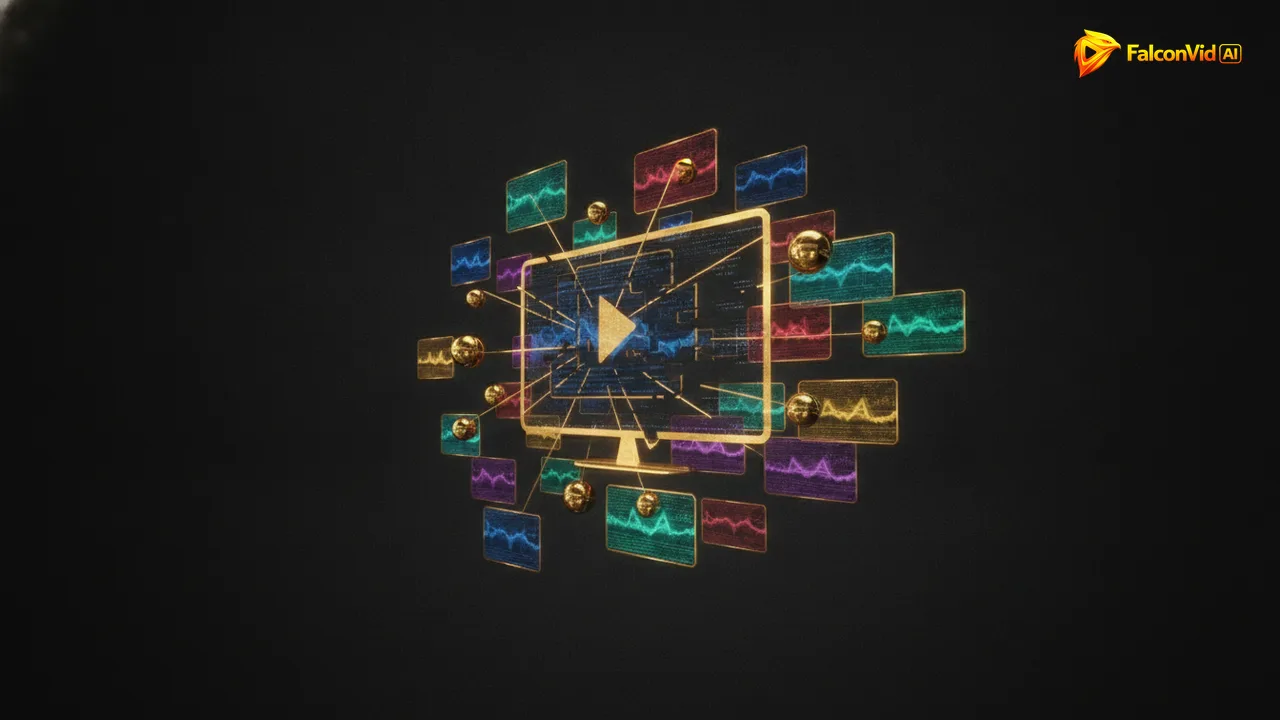
How FalconVid duplicates your channel into another language
Duplication happens at the channel level, not video by video. Your project's DNA, meaning its format, hooks, pacing and themes, carries over intact. The flow looks like this:
You approve the calendar of upcoming posts for the new channel. Nothing is produced outside of it.
- Pick the project you want to expand and choose the target language. There are 63 available.
- The narration is regenerated from scratch with ultra realistic premium voices, or with a clone of your own voice speaking the new language.
- The media is reused. Scenes, b-roll and generated visuals stay exactly as they are.
- Karaoke captions are regenerated and re-synced in the new language, in any of 15+ styles.
- The video SEO, meaning title, description and tags, is written in the target language, not machine-translated.
- FalconVid creates and brands the new channel too: logo, banner and channel art.
- Publishing is automatic to the new YouTube channel, plus Instagram, TikTok, Rumble and Facebook if you want.
Pay only the difference: reuse the media, regenerate the voice
The expensive part of an AI video is the visuals. Premium engines like Veo 3 with audio, Seedance Pro, FalconVid AI, Kling and Hailuo render the scenes, and that rendering is what consumes credits. When you duplicate a channel into another language, all of that work already exists.
So duplication only regenerates what actually changes: the narration, the karaoke captions and the metadata. That is why you pay only the difference between a full production and a language swap. It is exactly what lets 1 channel become 5 without needing 5 budgets.
This is also what separates real duplication from dubbing. Dubbing pastes a translated voice over a finished video. Duplication rebuilds the language layer natively while keeping the production layer intact.
A multilingual YouTube channel by hand vs with FalconVid
The manual route to going multilingual looks like this: a translator or bilingual writer, a TTS or dubbing tool, a subtitle editor, a video editor to re-render every file, someone to write titles and tags in a language you do not speak, plus a scheduler and a spreadsheet holding it all together. Per language.
Same output. None of the seams.
- By hand: a full production cost for every language. FalconVid: media reused, you pay only the difference.
- By hand: a dub pasted over the final cut, timing issues included. FalconVid: narration regenerated natively and captions re-synced.
- By hand: metadata guessed through a translation app. FalconVid: video SEO written in the target language.
- By hand: manual uploads on every channel, every week. FalconVid: automatic publishing to YouTube, Instagram, TikTok, Rumble and Facebook.
- By hand: each language adds tools, freelancers and coordination. FalconVid: one pipeline running several channels in parallel.
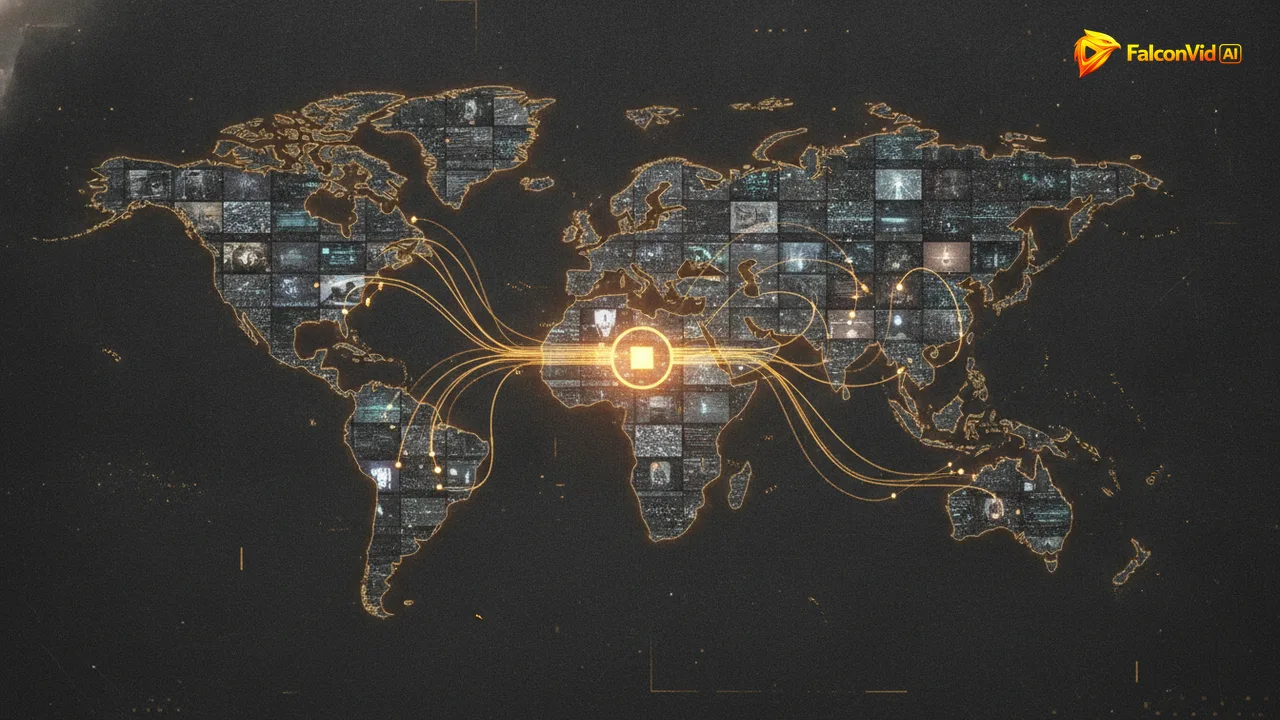
Everything each language channel gets
A duplicated channel is not a stripped-down copy. Every channel in your network runs the full FalconVid stack:
And Spy, the built-in competitor research, works per market: you model what performs in each language, not just in English.
- Ultra realistic narration in 63 languages, with premium voices or your cloned voice
- Karaoke captions in 15+ styles, regenerated per language
- 4K thumbnails and complete video SEO in the target language
- Channel branding generated automatically: logo, banner, art
- Content calendar with niche themes, scheduling and RSS to video
- Automatic comment replies in the channel's language
- Long videos with no duration limit, plus 9:16 Shorts and Reels cut automatically
- Works for faceless channels and for creators using AI avatars or lip-sync with Kling, OmniHuman or HeyGen
Pricing: what going multilingual costs
FalconVid plans: Starter with around 8 long videos on the Economy mode of monthly credit bank, Pro with around 17, Business with around 54, Agency with around 109 and Scale with around 184. Every creation feature is included in every plan, duplication included. What changes by plan is volume, channels, simultaneous generations, the Senior Analyst (from Pro; Starter gets 7 free days) and support. On annual billing you pay 10 months for the year.
Duplicating an existing project into a new language costs only the difference, since the media is reused. And production follows the calendar you approved, so there are no surprise burns.
Start with the channel you already have, or model a reference channel with the YouTube channel modeler, then duplicate once it is running.