
What RSS to video actually means
RSS to video is exactly what it sounds like: you connect a feed, and each new story in that feed turns into a finished video. Not a slideshow of headlines. A real video with an original script, ultra realistic narration, editing, karaoke captions, a 4K thumbnail and video SEO, published automatically to YouTube, Instagram, TikTok, Rumble and Facebook.
FalconVid runs the whole pipeline at channel level. It monitors your feed, picks up the new stories, writes commentary about the fact in your channel's voice, and publishes on the schedule you set. One feed can power a daily news channel. Several feeds can power several channels in parallel.
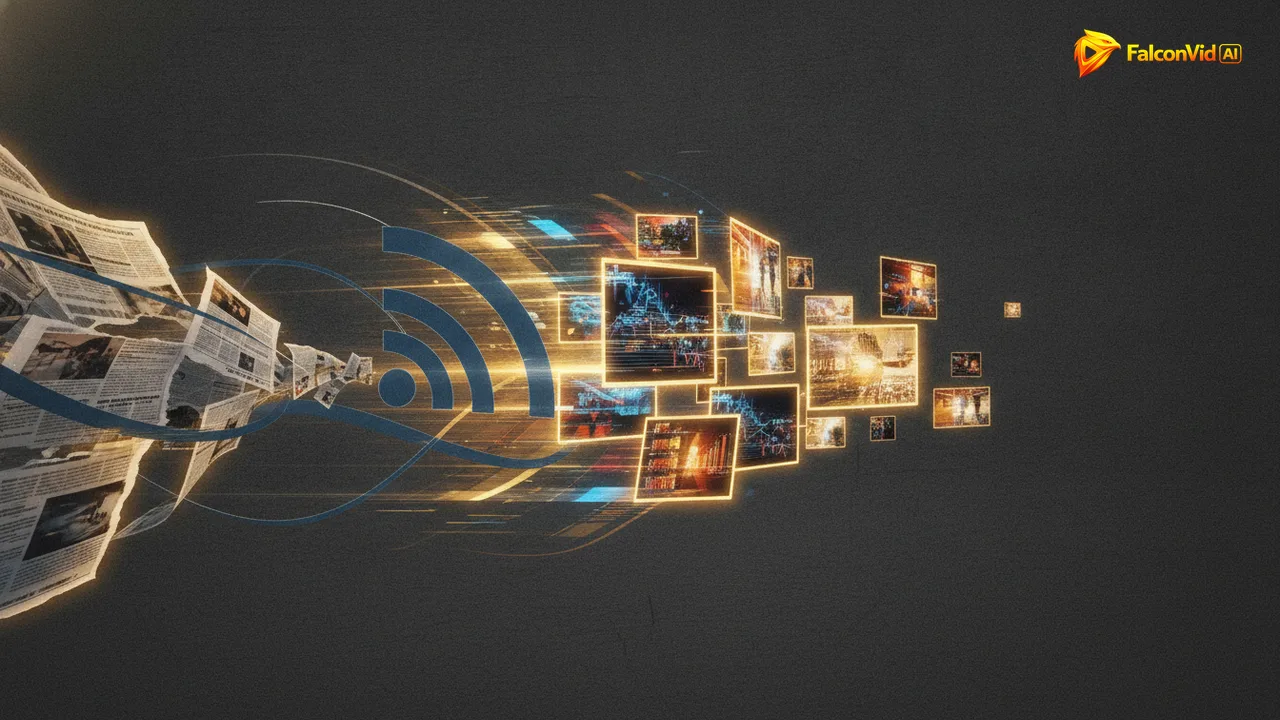
How a feed item becomes a published video
The pipeline is the same one FalconVid uses for every automated channel, pointed at your feed.
- Connect any public RSS feed: news portals, niche blogs, Google News topic feeds, press rooms.
- FalconVid reads the new story and researches the context around it.
- The retention script engine writes an original commentary, structured with hooks and pacing. It is never a read-aloud of the article.
- Full auto is the default: the video publishes on its own. If you prefer, review the script before production.
- Narration in any of 63 languages with premium voices, or a clone of your own voice.
- Editing, karaoke captions in 15+ styles, a 4K thumbnail, plus title, description and tags optimized for search.
- Automatic publishing at your cadence, with 9:16 Shorts and Reels cut from the long video.
Turn news into videos automatically and publish while the story is hot
News has a shelf life measured in hours. The channels that own a topic are the ones that publish while people are still searching for it. Doing that manually means dropping everything the moment a story breaks: write, record, edit, design a thumbnail, upload. Most creators simply can't, so they publish late or skip the story.
With an automated pipeline, the gap between the story breaking and your video going live stops depending on your free time. FalconVid moves from feed item to published video without you touching an editor. You set the cadence that fits your niche: every story, one video a day, three a day.
That speed compounds. While bigger channels are still editing, your commentary is already up. In news, being early is a structural advantage, and automation is the only way to be early every single day.
A faceless news channel built on original commentary, not reuploads
Automated does not mean copied. FalconVid never re-narrates an article word for word and never reuploads anyone's footage. The script engine takes the fact and writes original commentary around it: context, angle, opinion, structure designed for retention. The story is the raw material. The video is yours.
That distinction matters for monetization. YouTube rewards original content and penalizes reuploads and duplication. FalconVid puts you on the original side of that line: your own script, your own narration, your own editing, and your channel's persistent DNA in every video. The final decision on monetization is always YouTube's, but you walk in with original content, which is the only honest way to build a faceless channel that lasts.
You can even model an existing news channel you admire. The Channel Modeler extracts its DNA: format, hooks, rhythm, themes. Your feed brings the stories; the DNA shapes how you cover them.

RSS to video vs doing it by hand with five different tools
There are two traditional ways to run a news channel, and both lose to the clock.
The difference is not just convenience. In news, every step you glue together by hand is latency, and latency is the one thing a news channel cannot afford.
- Manual: monitor feeds all day, write a script, record a voiceover, edit, caption, design a thumbnail, write the description, upload. Repeat for every story. By the time you publish, the story is cold.
- Loose tools: one app for scripts, another for AI voice, another for editing, another for scheduling. Exporting and importing between them eats hours and breaks whenever one tool changes.
- FalconVid: one pipeline from feed to published video. Script, voice, editing, captions, thumbnail, SEO and publishing in a single flow, at channel level, on a schedule.
What an automated news channel costs and how to start
Every creation feature is on every plan: RSS to video, the Channel Modeler, premium engines like Veo 3 and Seedance Pro, voice cloning, AI avatars, the timeline Studio, automatic comment replies, channels in parallel and Spy competitive research. What changes by plan is volume, how many channels you run (1 on Starter, 5 on Pro, 10 on Business, 25 on Agency, 50 on Scale), how many generations run at the same time, the Senior Analyst (from Pro; Starter gets 7 free days) and support.
Starting takes minutes: connect your feed, connect your channel, approve the calendar and let it run. Long videos have no duration limit, and every long video can generate its own vertical Shorts automatically.
- Starter: around 8 long videos a month on the Economy mode, about 1.5 hours of video, on 1 channel. That is a story about twice a week.
- Pro: around 17 long videos on Economy (3.4 hours) across 5 channels, about four stories a week. Business: around 54 on Economy (11 hours) across 10 channels, daily with room to spare. Agency: around 109 on Economy (22 hours) across 25 channels. Scale: around 184 on Economy (37 hours) across 50 channels.
- Annual billing: pay 10 months, get 12.
- Duplicate a working channel into another language and pay only the difference.