
Face time is a budget line, and the numbers are not close
An AI avatar is not billed like a background or a music track. It is billed per second of face on screen, because every one of those seconds is a lip sync generation. That single fact should decide your format before any aesthetic argument does.
Here is the arithmetic on a 12 minute video. The video itself in economy mode costs 1,584 credits. Add 90 seconds of avatar with Kling Avatar Standard at 32 credits per second and you pay 2,880 more, for a total of 4,464 credits. Turn the same video into a full talking head and you are paying for 720 seconds of face, which is 23,040 credits plus the 1,584, so 24,624 credits.
That is a 6.2 times difference on the same script, the same voice and the same topic. And the cheaper version is not the compromise version: 90 well placed seconds of a presenter usually outperforms 12 minutes of one, for reasons that have nothing to do with money.
- Lip sync is charged per second of face on screen, not per video.
- 12 minute video in economy mode plus 90 seconds of avatar: 4,464 credits.
- Same video as a full talking head: 24,624 credits, which is 6.2 times more.
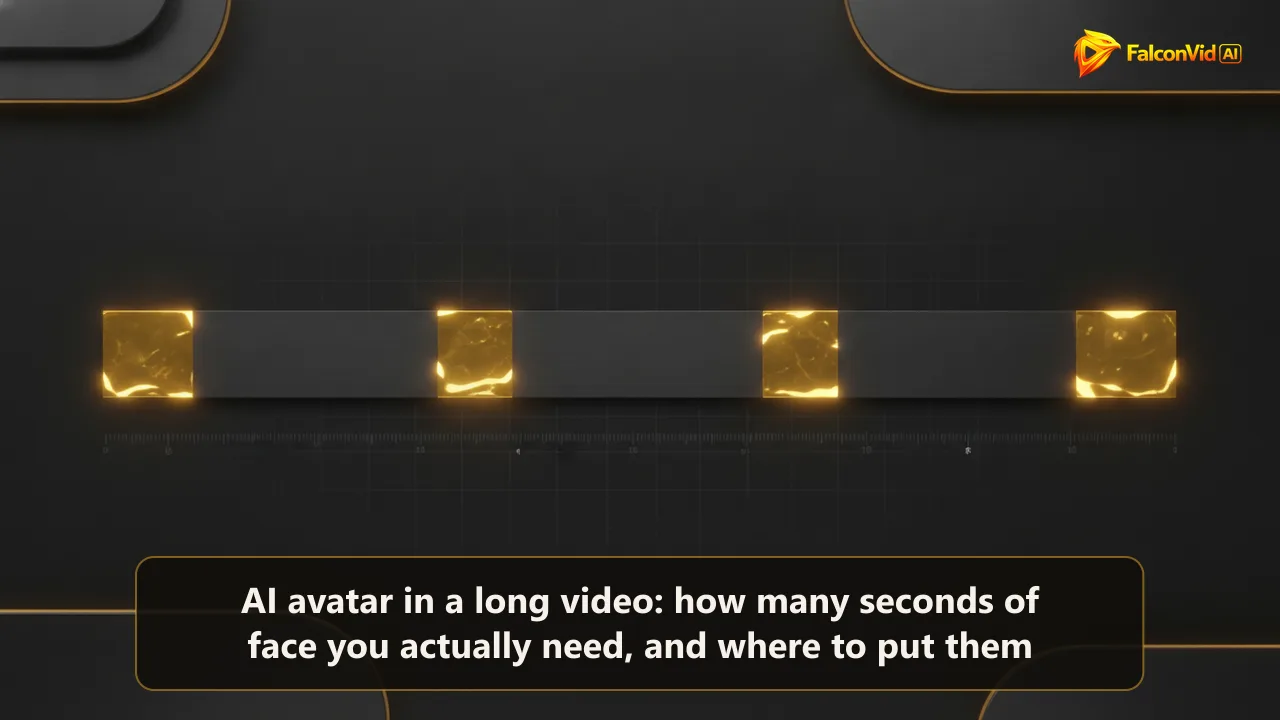
The four doses: where 90 seconds of face actually pay
Dose one, the hook: 8 to 15 seconds at the very open. This is the highest value stretch of the entire video, the moment a stranger decides whether a human is behind this. A face here converts a scroll into a viewer, and it is the single second range where an avatar is worth its full price.
Dose two, the chapter transitions: 5 to 8 seconds each, used 3 or 4 times. These are the joints of the video where attention naturally dips, and a face reappearing acts as a reset. Three to four transitions is 15 to 32 seconds total.
Dose three, the verdict: 15 to 25 seconds at the one place in the video where you give an opinion, a recommendation or a conclusion the audience came for. Information can be narrated over visuals. Judgement lands better from a face.
Dose four, the close: 10 to 15 seconds on the call to action. Subscribe requests delivered by a presenter convert better than the same line read over a graphic.
Add it up: 48 to 87 seconds. That is the 90 second budget, and it covers every moment in a long video where a face genuinely changes the outcome. The other 11 minutes are better served by scenes, b roll, graphics and motion.
- Hook: 8 to 15 seconds. The highest value face time in the whole video.
- Transitions: 5 to 8 seconds, 3 or 4 times, which is 15 to 32 seconds total.
- Verdict: 15 to 25 seconds. Close: 10 to 15 seconds. Total 48 to 87 seconds.
Why a 12 minute talking head retains worse, not better
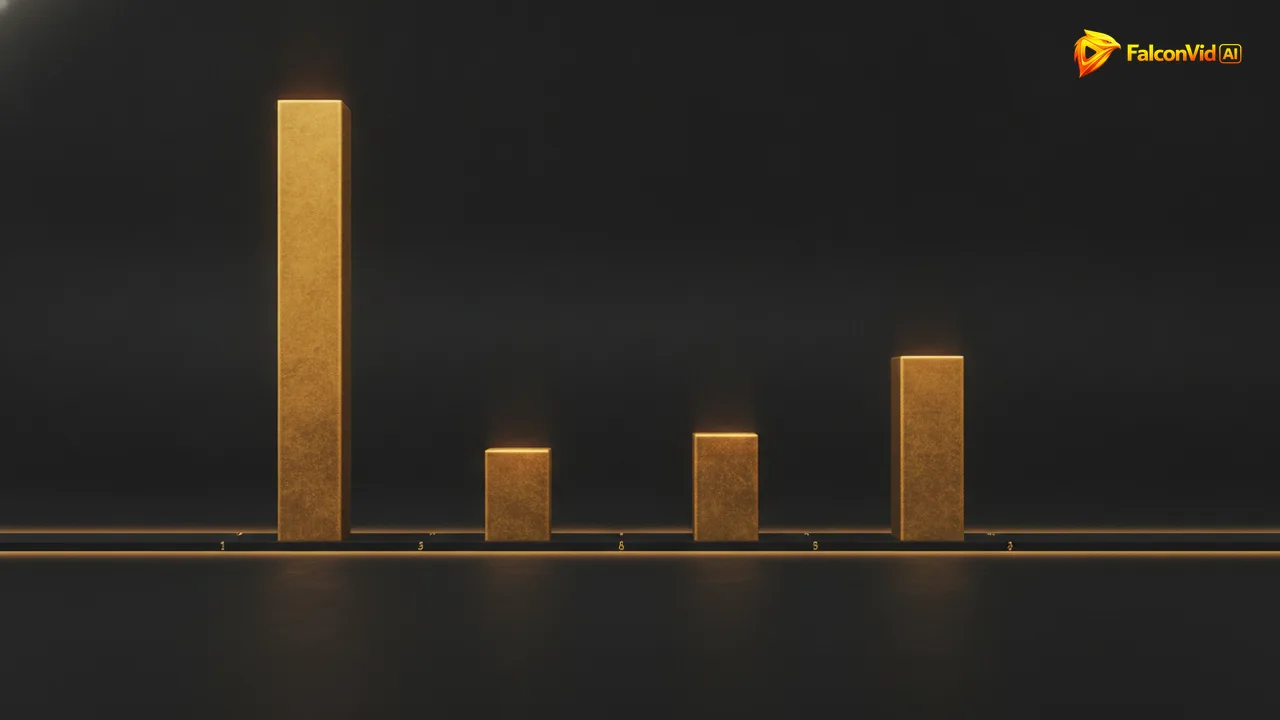
A long video holds attention through visual change. Cut rhythm, new scenes, graphics arriving when a number is said. A static presenter has none of that: the frame is the same at minute 2 and at minute 9, so the only thing carrying the viewer is the script, and scripts rarely carry 12 minutes alone.
There is a second effect specific to AI avatars. The uncanny tells, the eyes that do not quite track, the mouth shapes that repeat, the hands that reset, are invisible in a 10 second dose and become obvious across 12 minutes. Exposure time is the enemy of a synthetic presenter, and the cheapest fix is also the correct one: show less of it.
This is why the strongest use of an avatar in long form is punctuation, not narration. The face marks the moments that need a human presence, and the visual engine carries the rest. You get the trust of a presenter without asking the presenter to survive 720 seconds of scrutiny.
- Long form retention is driven by visual change, and a static presenter provides none.
- Uncanny tells are invisible in a 10 second dose and obvious across 12 minutes.
- Use the avatar as punctuation, not as narration.
How many avatar videos fit in each plan
At 4,464 credits per 12 minute economy video with 90 seconds of face, the plans read like this. Starter with 15,000 credits fits 3 of them a month. Pro with 30,000 credits fits 7. Business with 95,000 credits fits 24. Agency with 190,000 credits fits 48. Scale with 320,000 credits fits 82.
Now the full talking head version at 24,624 credits each: Starter fits none, Pro fits 1, Business fits 3, Agency fits 7, Scale fits 13. That is the whole argument in one line. The same budget buys you 3 videos or 0 on Starter, 7 or 1 on Pro, 82 or 13 on Scale.
In practice nobody runs a month in a single configuration. The honest working plan is mixing: most videos with no avatar at all in economy mode at 1,584 credits, a handful with the 90 second dose on the topics that need a presenter, and the occasional heavier one. On Starter that mix is around 4 videos a month, which is a realistic cadence, and it is why quoting a single number without the mode attached is always misleading.
Figures here are in credits, measured on the Starter plan.
- With 90 seconds of face in economy mode: 3 videos on Starter, 7 on Pro, 24 on Business, 48 on Agency, 82 on Scale.
- As a full talking head: 0 on Starter, 1 on Pro, 4 on Business, 8 on Agency, 13 on Scale.
- Realistic Starter month: mixing plain economy videos with a few avatar ones, about 15 videos total.
The four avatar engines, and when each one earns its price
Kling Avatar Standard at 32 credits per second is the default and the right call for the four doses above. At 8 to 15 seconds per appearance the quality difference against the premium engines is barely legible to a viewer who is not looking for it.
Kling Avatar Pro at 64 credits per second doubles the cost and is worth it on the hook alone, where the viewer is judging you hardest. A common setup is Pro for the first 12 seconds and Standard for everything after.
HeyGen Avatar at 80 credits per second is the choice when the avatar is the brand, a recurring presenter the audience is meant to recognize across dozens of videos, not a decorative face.
OmniHuman 1.5 at 112 credits per second is the top of the range and runs in series rather than in parallel, so it is slower as well as more expensive. Reserve it for the pieces where the face is the product itself, typically an ad creative, not a 12 minute long form video.
- Kling Avatar Standard: 32 credits per second. The default for the four doses.
- Kling Avatar Pro: 64 per second. Worth it on the hook alone.
- HeyGen Avatar: 80 per second. For a recurring brand presenter.
- OmniHuman 1.5: 112 per second, and it runs in series, so it is slower too.
How FalconVid assembles the doses without you editing anything
The avatar is not a separate project in FalconVid. You approve a calendar and the system writes, narrates, edits, captions, generates the thumbnail and publishes to YouTube, Instagram, TikTok, Rumble and Facebook in up to 63 languages, with the avatar appearing where the format calls for it and the rest of the video carried by generated scenes and b roll.
The channel DNA keeps the presenter consistent, the same face, voice, visual style and pacing across every video, which is the difference between a recurring presenter and a stranger showing up each week. Narration is ultra realistic including premium voices, and you can choose the engine from economy through to premium, including Veo 3 with audio, for the non avatar scenes.
Before publishing you open Studio, watch version 1 and adjust it: shorten the intro, cut a dose that runs too long, swap a scene, change the music. AI specialists work in parallel on the same video, researcher, scriptwriter, narrator, editor and sound design, with a video ready in up to 30 minutes, and separate videos generate simultaneously: 2 at once on Starter, 5 on Pro, 10 on Business, 25 on Agency, 50 on Scale.
If the same presenter needs to exist in another market, you duplicate the project into another language and pay only the difference, so one avatar identity can front channels in three languages without being rebuilt.
- Channel DNA keeps the same face, voice, style and pacing across every video.
- Studio lets you watch version 1 and trim a dose that runs long before anything publishes.
- Duplicate the project into another language paying only the difference, same presenter, new market.
The mistake that burns credits: face on screen while the narration explains data
The most common way to waste avatar credits is leaving the face on screen during the informational stretches. Minute 4 to minute 7 of a long video is usually numbers, comparisons and steps, and every one of those seconds is better spent on a graphic that shows the number than on a presenter saying it. You are paying 32 credits a second to hide the thing the viewer needs to see.
The second waste is the long intro. A 40 second avatar opening feels professional in the editor and reads as a delay to the viewer. The hook dose exists to earn the next 30 seconds, not to introduce yourself, and 8 to 15 seconds is enough to do it.
The rule that keeps the budget honest: the face appears when the video is making a claim, a judgement or a request. The scenes appear when the video is delivering information. Follow that and 90 seconds is not a compromise, it is the correct amount.
- Never keep the face on screen while the narration explains numbers or steps, that is 32 credits a second hiding the graphic.
- A 40 second avatar intro reads as a delay. 8 to 15 seconds earns the next 30.
- Face for claims, judgements and requests. Scenes for information.